

Nobody knows who owes what
Invoices live in one file, payments in another. Working out a balance is manual work every single time.
Customer accounts, the quote–order–delivery note–invoice chain, cash and bank, payment matching and reports. Once a record is finalised it cannot be altered, and every action is written to the audit trail.
Runs on your own server or on a setup we provide.
Spreadsheets carry you only so far. If these three are true at once, they are costing you.
Invoices live in one file, payments in another. Working out a balance is manual work every single time.
When the amount on an issued invoice is overwritten, nobody notices — and the month-end numbers stop adding up.
At period end there is no way to tell which documents were sent and which were forgotten.
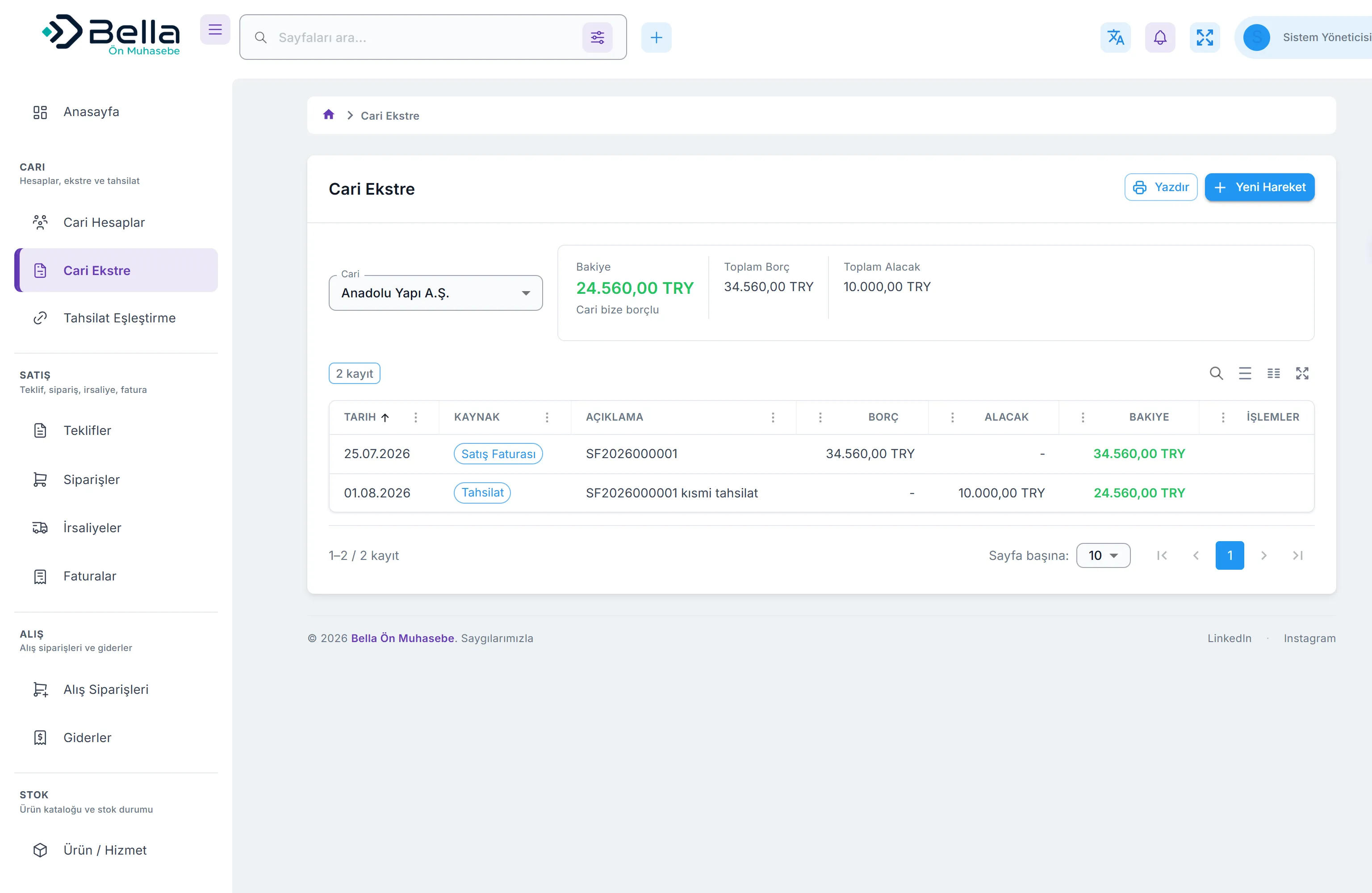
A customer balance is not stored in a field; it is derived from approved invoices and money movements. That is why balances cannot silently drift. Every line shows its source, and partial collections reduce the open amount.
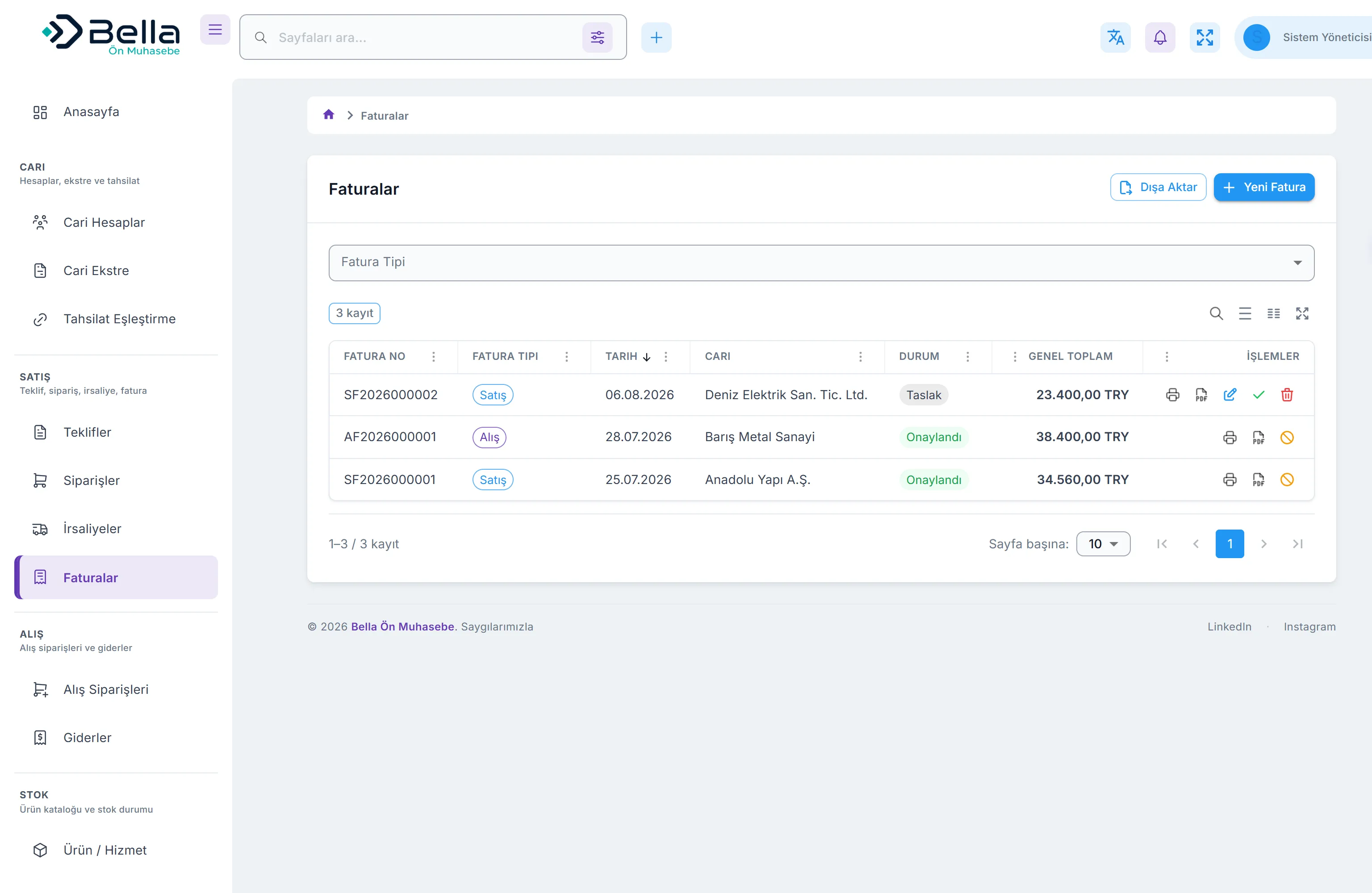
The chain starts the moment you quote. It becomes an order when accepted, a delivery note on dispatch, an invoice on completion. Each step carries the previous one’s lines, so you never retype them.
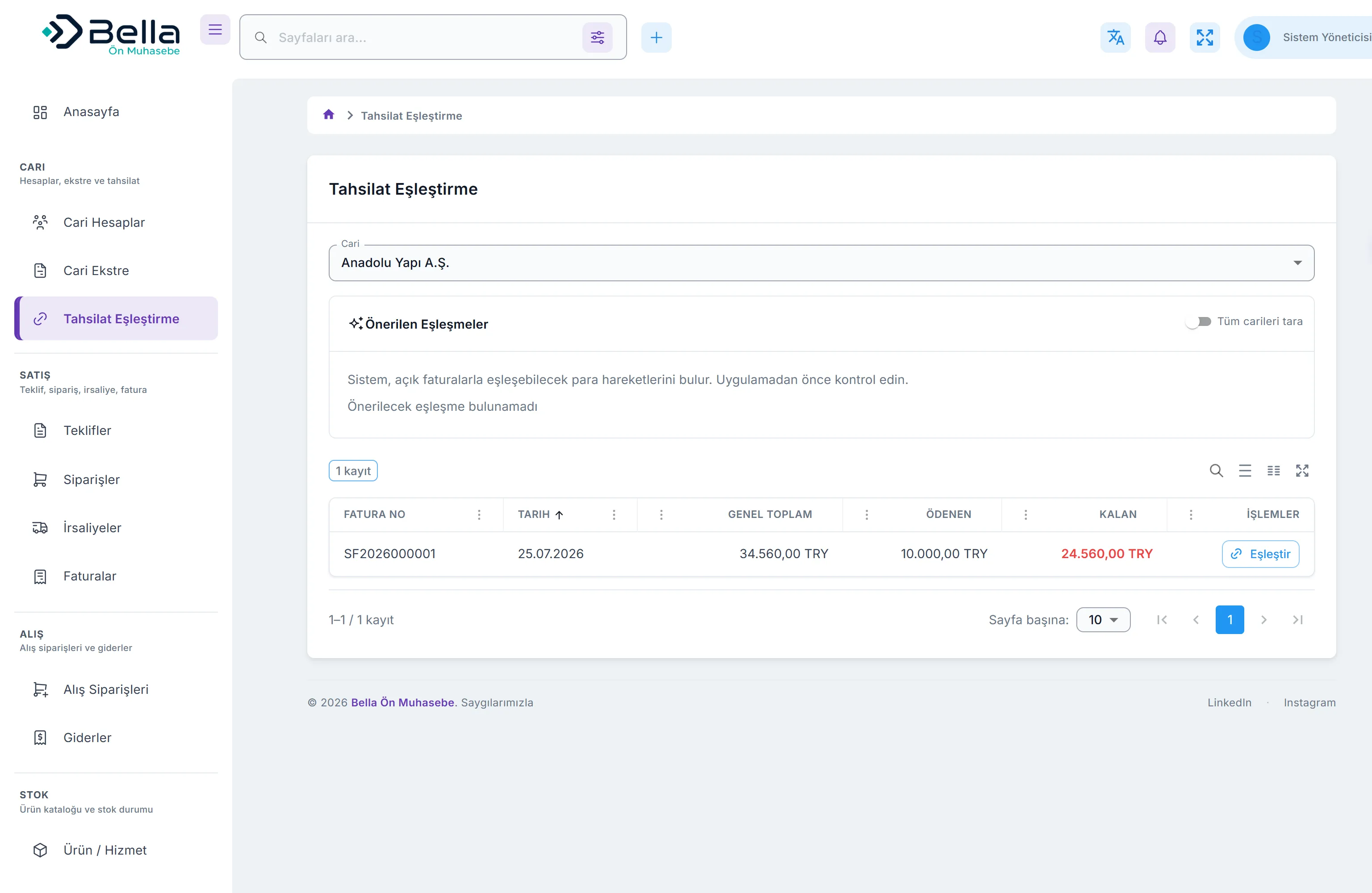
One payment can be spread across several invoices, and one invoice across several payments. Partial collections are supported, and an invoice’s open amount is derived from those allocations.
Ageing, sales/purchase summary, profit and loss, cash flow, VAT summary, product and account breakdowns — eight reports, run over any date range. The period pack comes off a single screen.
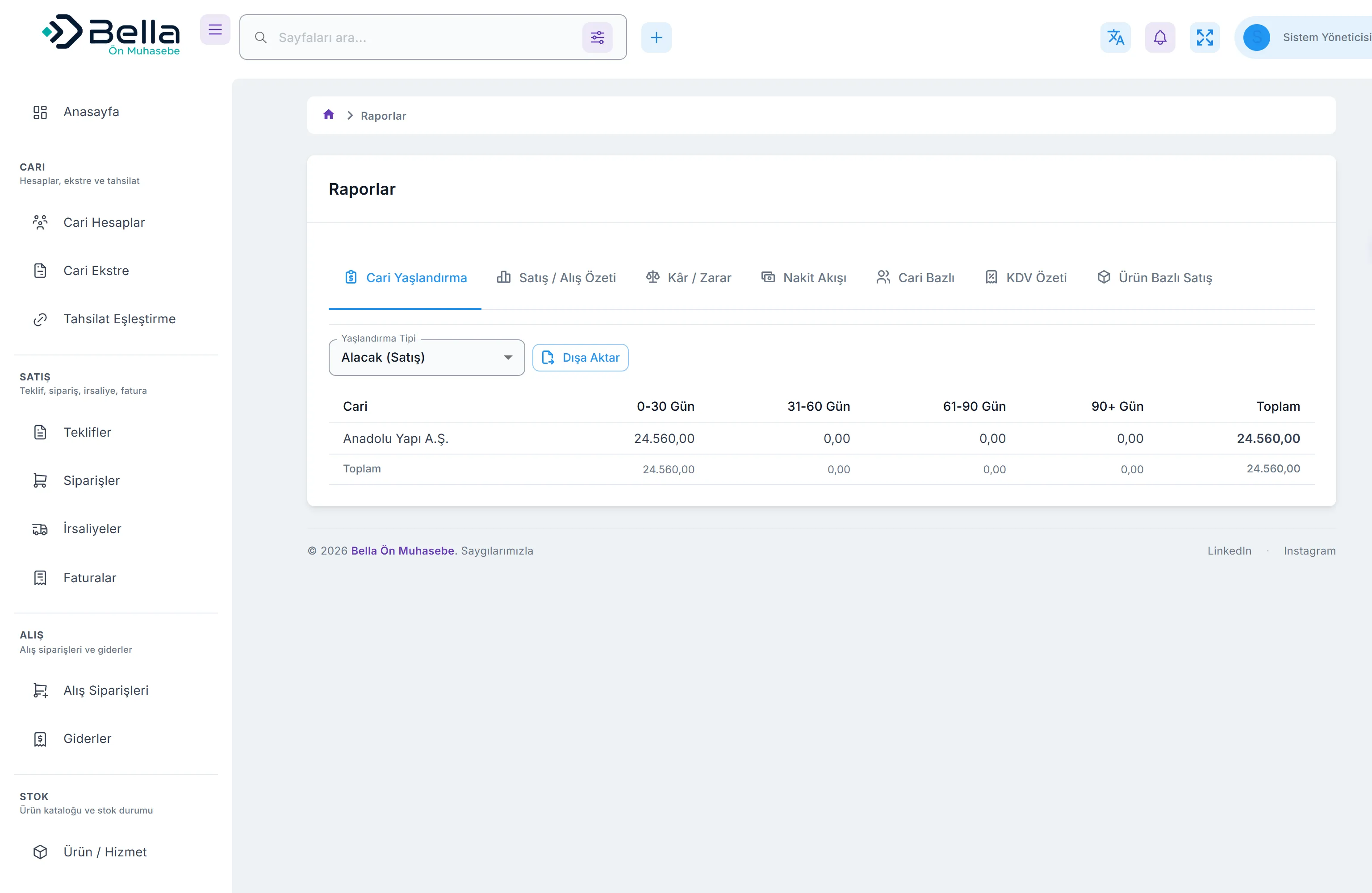
Everything listed below works today.
Customer/supplier cards, debit–credit statements, ageing report, credit limits and due-date tracking.
Quote → order → delivery note → invoice, plus purchase orders. Each step is derived from the previous one, so data is entered once.
Sales and purchase invoices, line-level discounts, multiple VAT rates. Totals are computed on the server — the browser is not trusted.
Draft → approved → cancelled. An approved invoice cannot be edited in place; corrections are made by cancelling with a reason and issuing a new one.
Cash, bank, credit card and POS accounts with money in and out; balances are derived from movements, never stored by hand.
Allocate one payment across several invoices, or one invoice across several payments. Partial collections are supported.
Categorised expense records; per-product stock movements and low-stock thresholds.
Track due dates and status for instruments received and issued.
Ageing, sales/purchase summary, profit and loss, cash flow, VAT summary, product and account breakdowns, period pack.
Lock a fiscal period: no new entries and no changes to existing records in a closed period.
Action-level permissions, two-factor authentication, and a who–what–when record for every change.
Import customers and products from CSV, export any list to CSV, and print documents on your letterhead.
Businesses that buy and sell goods, need stock and account tracking, and have several people working at once.
Teams that quote first, invoice on completion, and want to see collections and cash flow.
Pull the period pack from a single screen at period end, then lock the period. Each client runs in its own installation, so data never mixes.
It is installed on your own server; the database and the backups stay with you. Every customer runs in their own database — not in a shared pool.
General ledger accounting, tax return filing, payroll and manufacturing planning (MRP) are out of scope. It is used alongside your accountant’s software for those.
Installed on your server or on one we provide. A single Docker Compose command also brings it up.
Enter company details, accounts and the product/service catalogue. Existing lists can be imported from CSV.
Issue quotes and invoices, record collections, match payments. The interface works in Turkish and English.
Pull the reports, send the period pack to your accountant, and lock the period.
Every customer runs in their own installation, in their own database — not in a shared cloud pool. It can be installed on your own server, and both the database and the backups stay with you. Unlike separation enforced by row filters inside one shared database, this removes the possibility of data mixing by design.
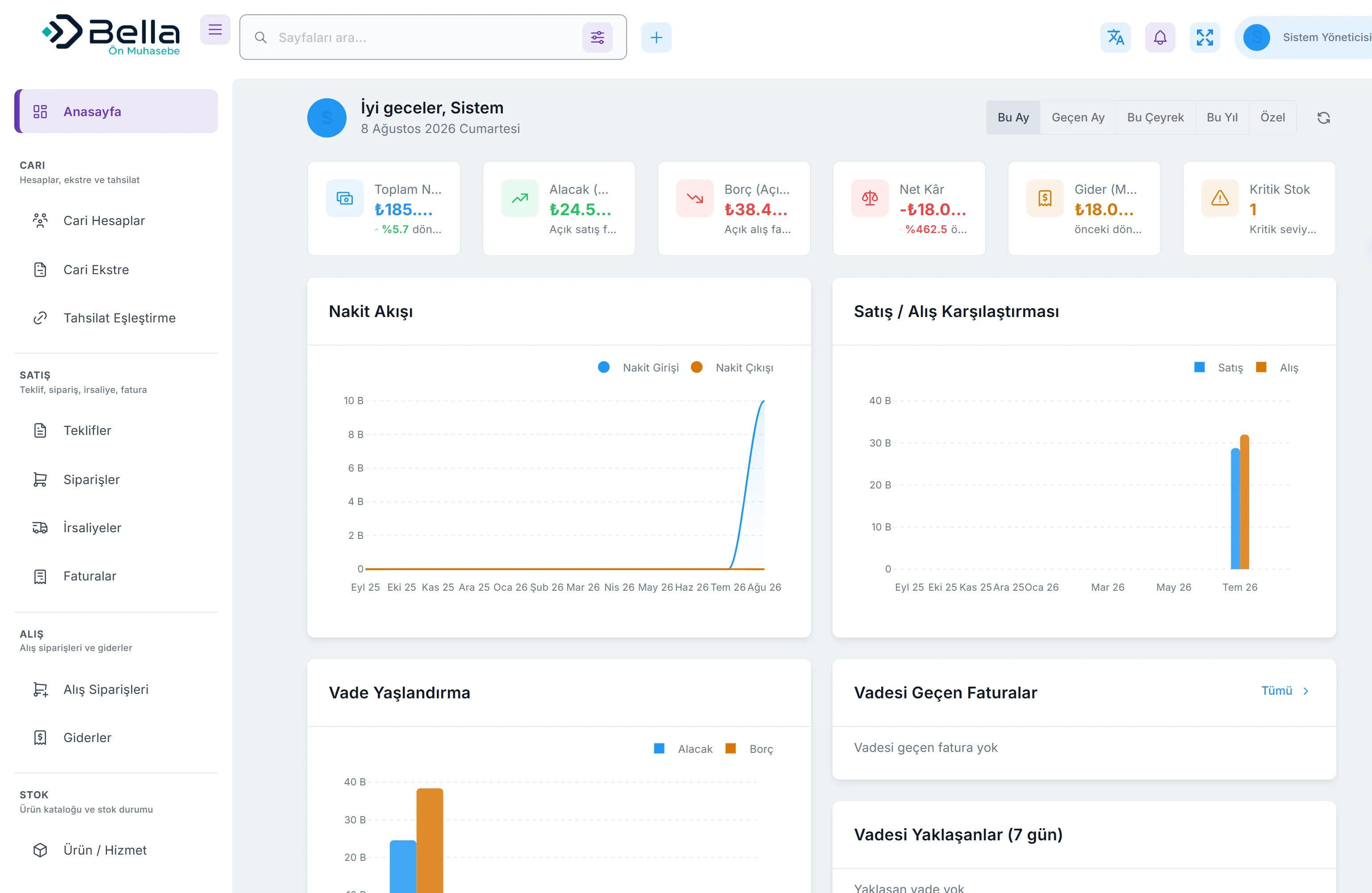
Cash, open receivables, open payables, net profit and low stock on one screen, with charts for cash flow and the sales/purchase balance.
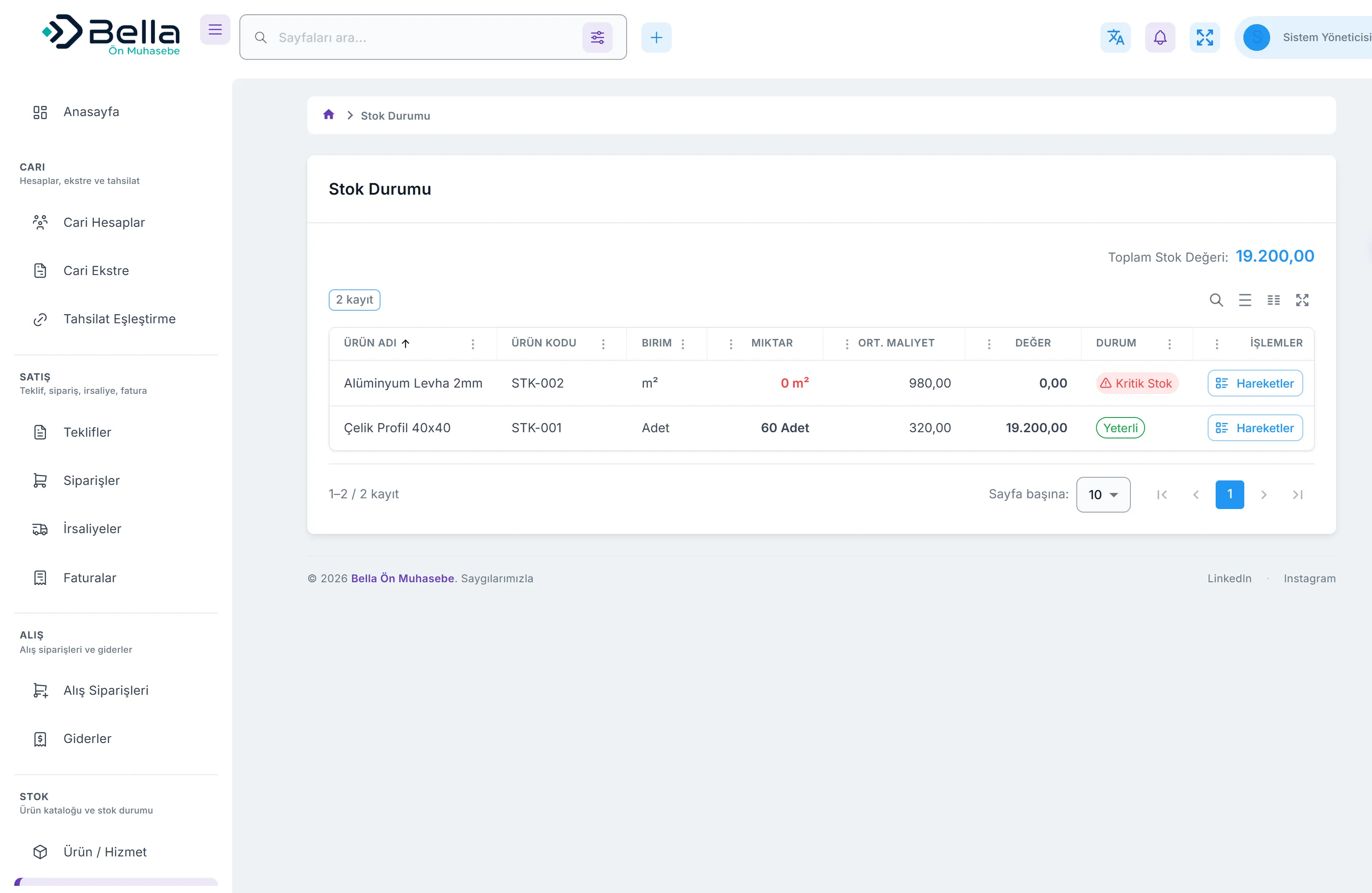
Today e-document status is tracked manually. Automatic submission through a licensed integrator is planned.
Movements are entered manually or via CSV. Bank integration and automatic matching come in a later phase.
Not yet. The product creates, prints and tracks the status of invoices; automatic submission to the tax authority is on the roadmap.
If it is installed on your server, so is the database. Backup and restore steps are documented.
There is no technical limit on user count, and each user is granted exactly the actions they may perform.
An approved invoice cannot be edited — you cancel it with a written reason and issue a correct one. Both stay in the audit trail.
Customer and product lists can be imported from CSV. We help with opening balances and carry-over records during setup.
It depends on user count and how it is deployed. Leave a demo request and we will price it for your case.
See the product with your own data. Fill in the form and we will get back to you.
Or write to us directly: info@bellabinary.com