

It follows a job from start to finish
Comparing module lists is a poor way to choose pre-accounting software. The real question is whether one job can be followed from quote to collection in a single place. Everything below works in the product today.
The document chain: enter data once
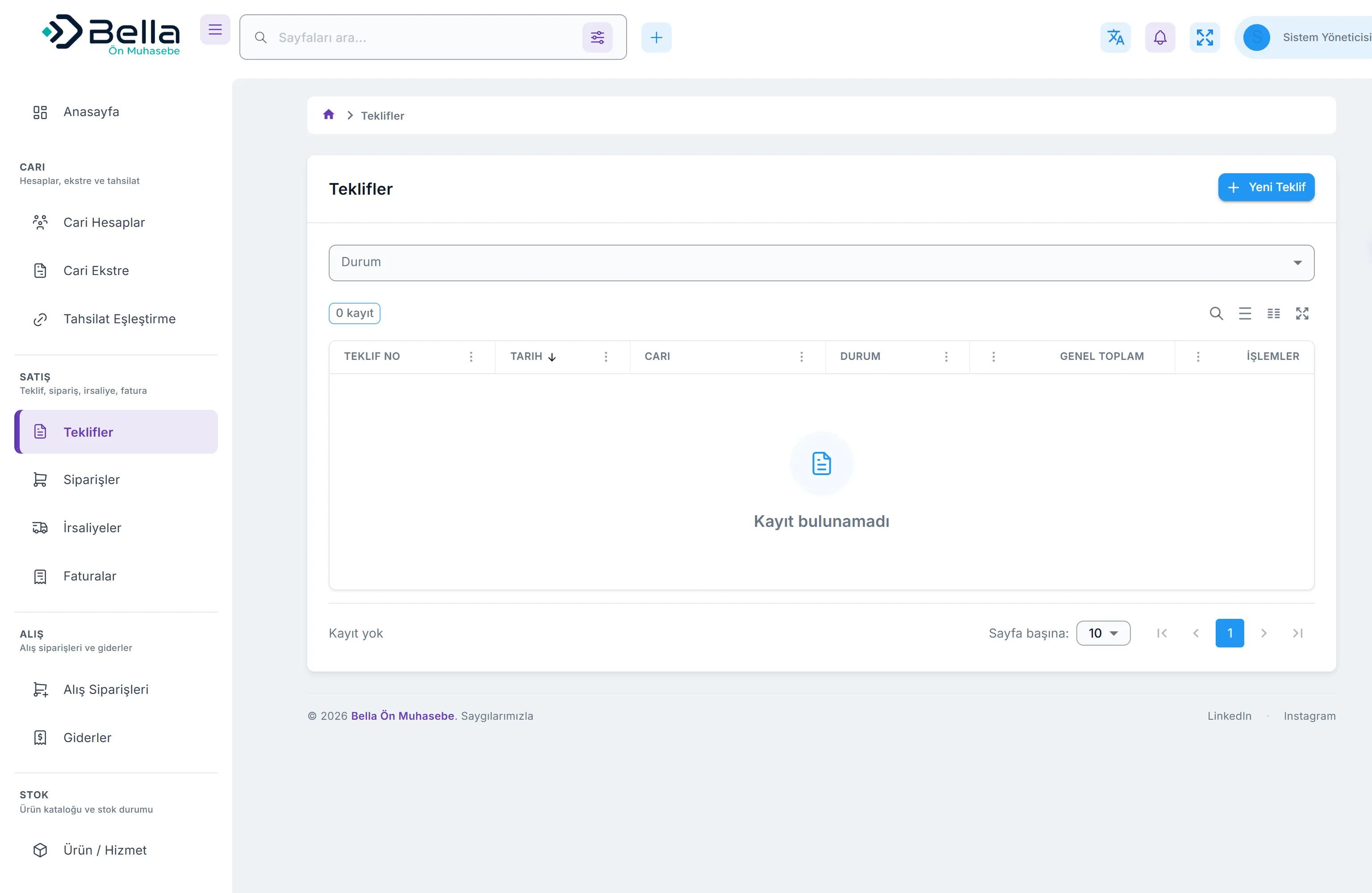
You prepare a quote; when accepted it becomes an order, then a delivery note on dispatch, then an invoice on completion. Each step carries the previous one’s lines, so nothing is retyped. The purchase side has the same chain: purchase order → purchase invoice.
- Quote → order → delivery note → invoice; each step converts in one click
- Converting updates the source document’s status: accepted quote, invoiced order
- The converted document opens as a draft — you review and adjust before issuing
Invoicing: the server does the arithmetic, not the browser
Line-level discounts, multiple VAT rates and decimal quantities are supported. The discount comes off the gross amount and VAT is calculated on what remains. What you see on screen and what is stored are identical, because the calculation happens on the server — client-supplied totals are never trusted.
- Line discount (0–100%), totalled at line and document level
- A different VAT rate per line
- Letterhead printing and server-generated PDF (email attachment, archive)
A finalised record does not change
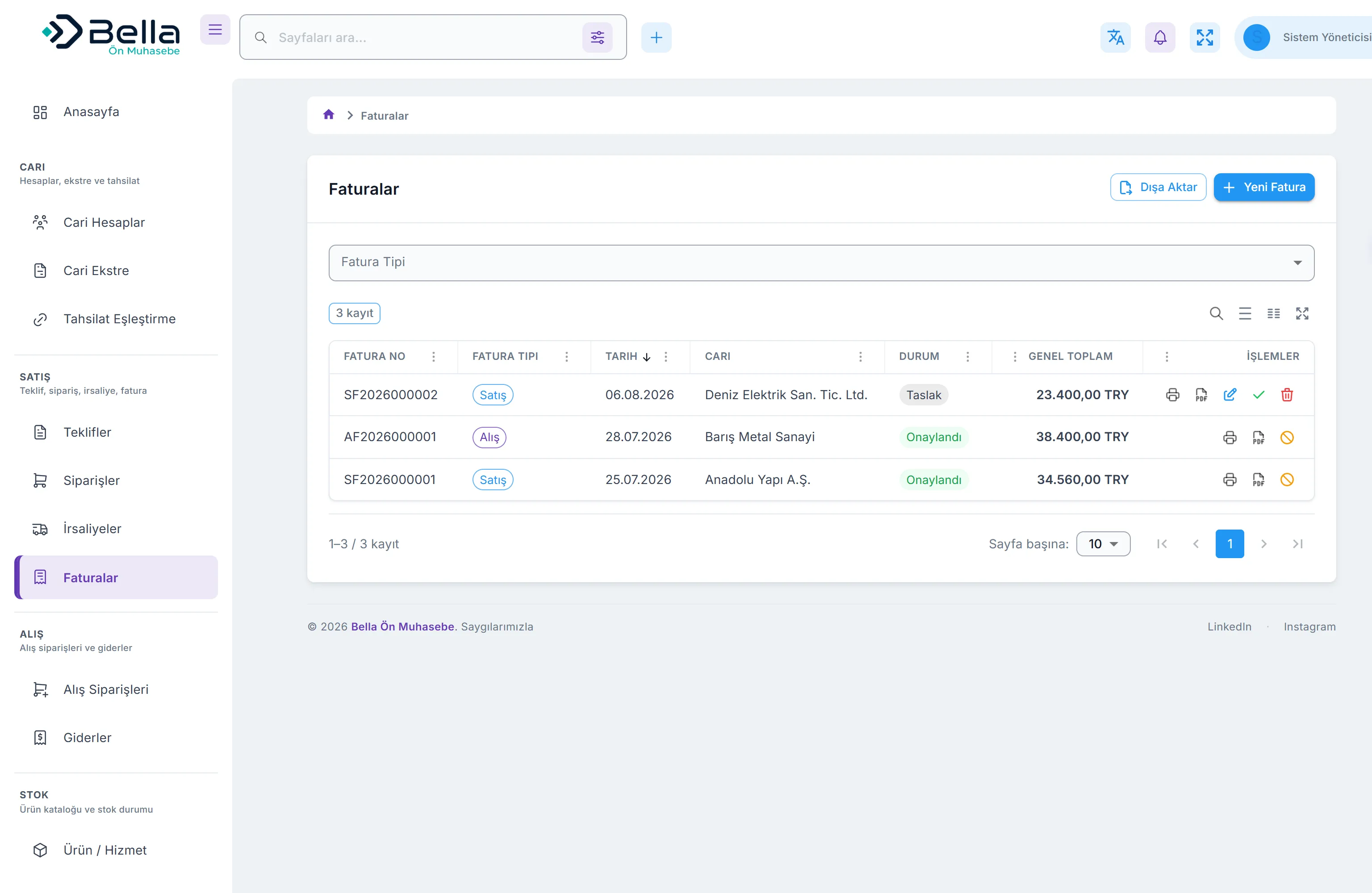
An invoice starts as a draft and posts to the account statement and stock when approved. After approval it cannot be edited: to correct it you cancel with a written reason and issue a new one. Both stay in the audit trail. Document numbers are unique at the database level, so a second document with the same number cannot exist.
- Draft → approved → cancelled; no way back, every transition recorded
- Edit and delete are removed from the interface once approved
- A closed fiscal period accepts no new entries and no changes
Balances are never stored by hand
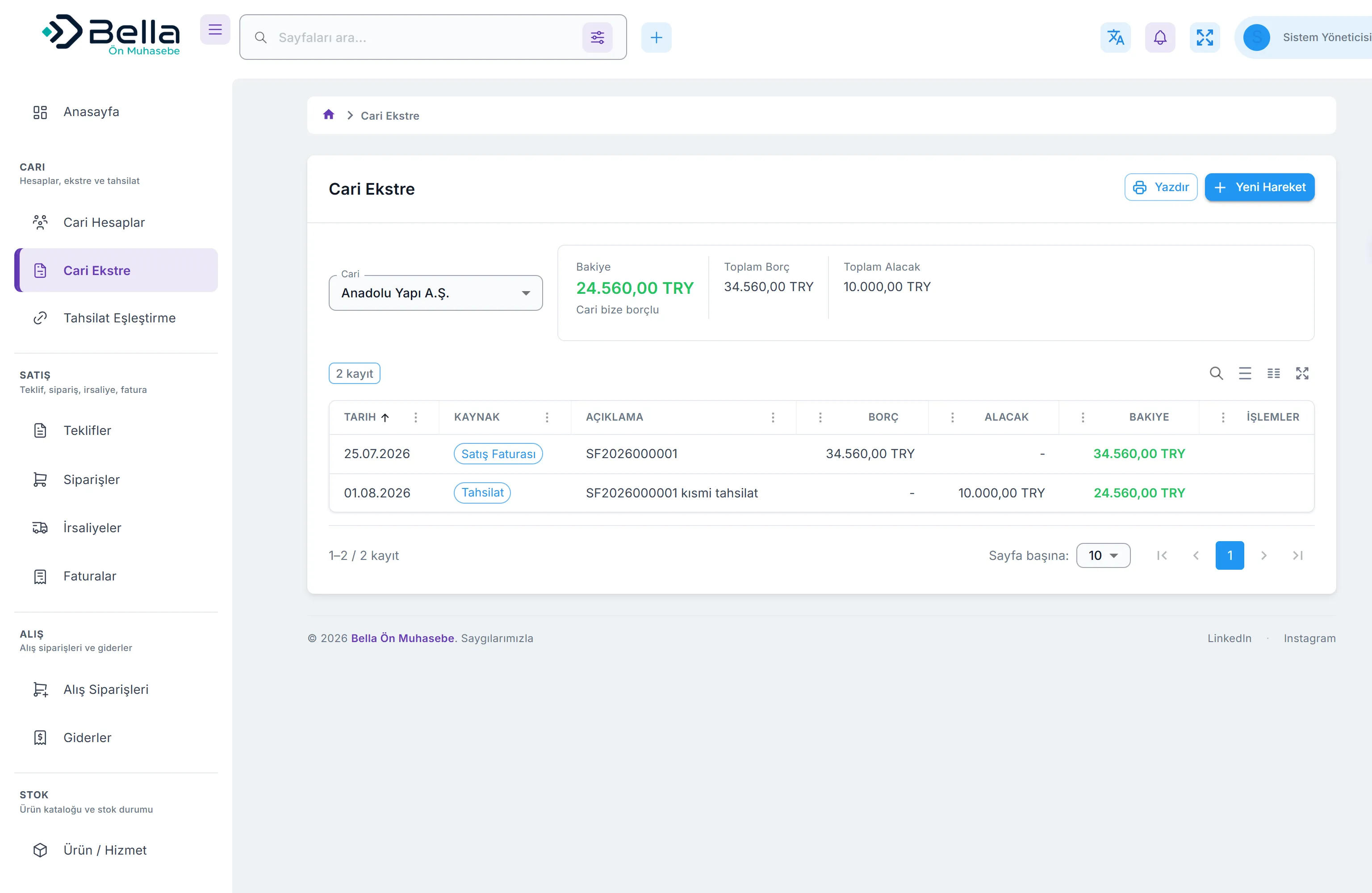
A balance is not kept in a field; it is derived from approved invoices and money movements. That is why balances cannot silently disagree. Every statement line shows its source and can be traced back to the document.
- Debit–credit statement and ageing report
- Due-date tracking and credit limits
- Drafts never reach the statement — only finalised records do
You decide how a payment is allocated
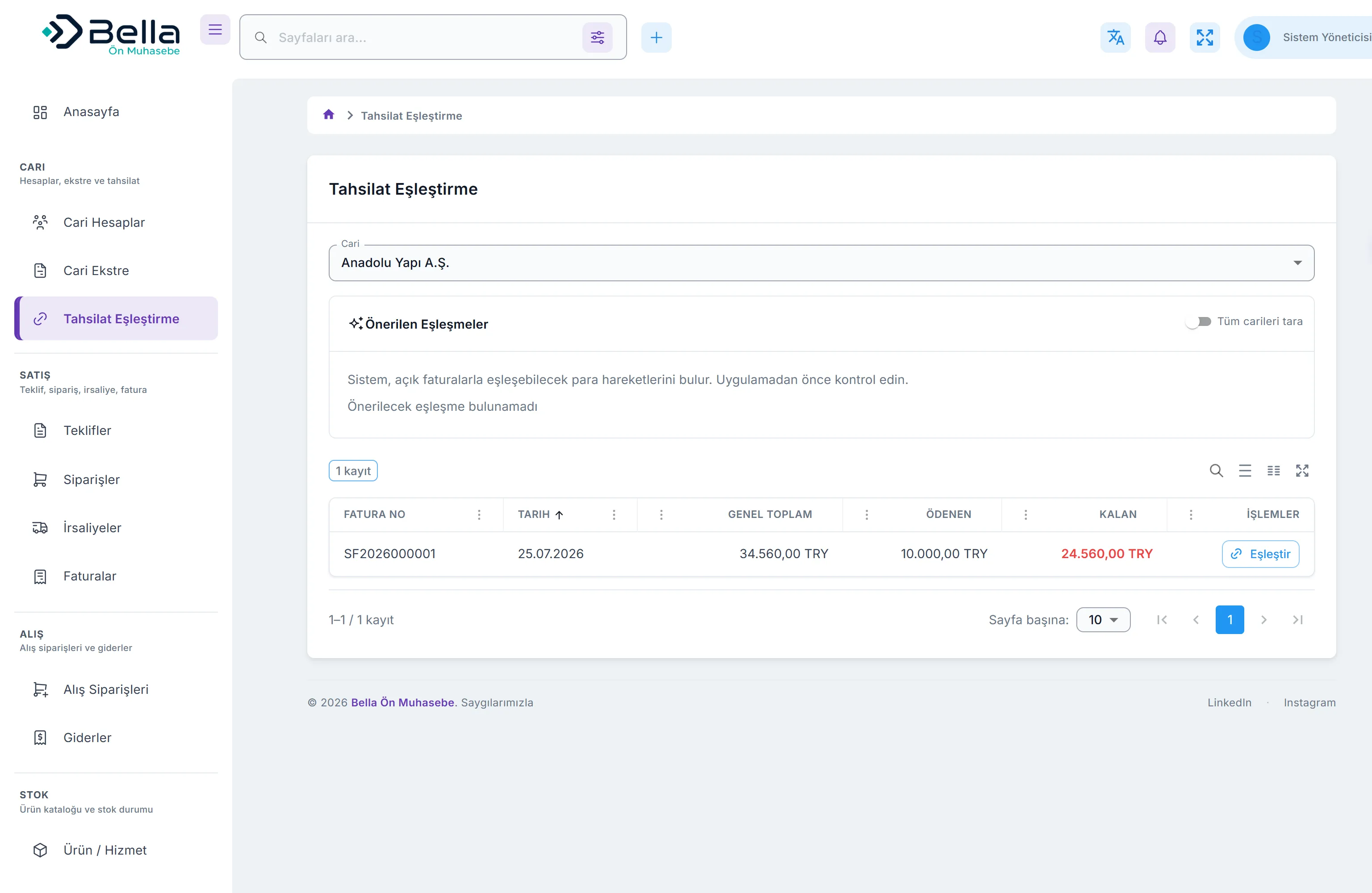
One payment can be spread across several invoices, and one invoice can be settled by several payments. Partial collection is supported, and an invoice’s outstanding amount is derived from these allocations.
- Cash, bank, credit card and POS accounts
- Account balance = opening balance plus movements
- Bank reconciliation marking
Period-end output your accountant can use
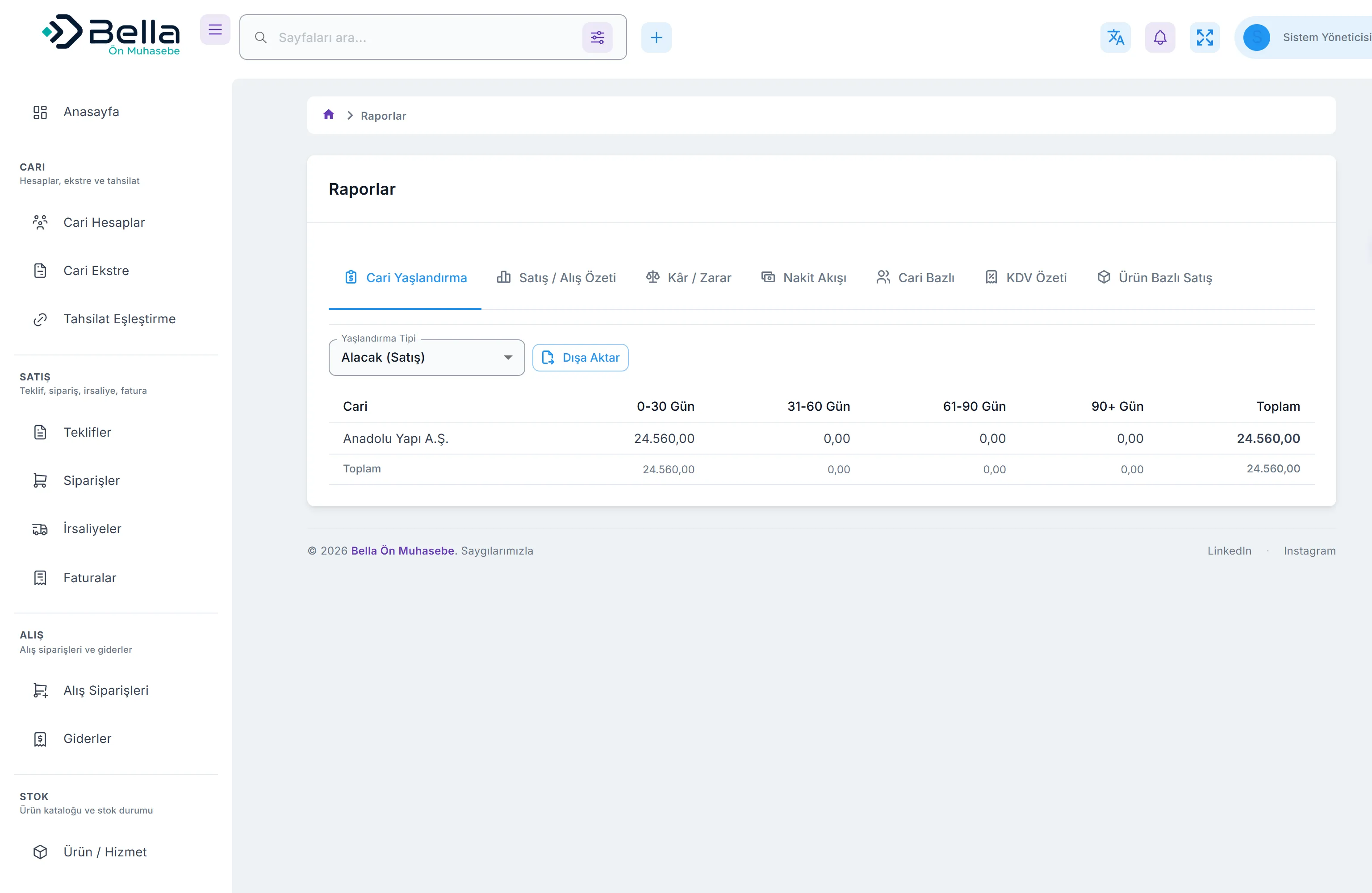
Ageing, sales/purchase summary, profit and loss, cash flow, VAT summary, and product and account breakdowns are produced for any date range. The period pack comes from one screen, and locking the period closes it to further changes.
- 8 built-in reports with date-range selection
- CSV export from every list
- Period locking to close the books
What is out of scope
General ledger accounting, tax return filing, payroll and manufacturing planning (MRP) are not part of this product. It runs alongside your accountant’s software, not instead of it. Automatic submission of e-invoices to the tax authority does not exist yet — today documents are created, printed, and their e-document status tracked manually.
Request a demo
See the product with your own data. Fill in the form and we will get back to you.